Getting Started as a Buyer
CakeMarket makes it easy to order custom cakes from local bakers for any occasion — birthdays, weddings, anniversaries, corporate events, and more.
Creating an Account
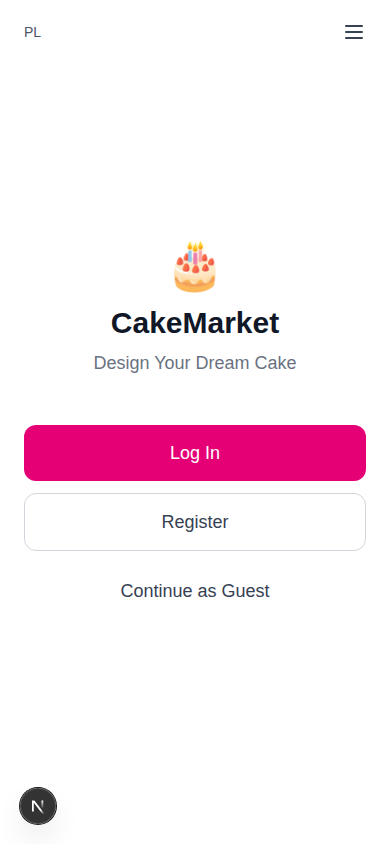
You have three options when you first visit CakeMarket:
| Option | Description |
|---|---|
| Log In | Sign in to an existing account |
| Register | Create a full account with email and password |
| Continue as Guest | Start ordering immediately without an account |
Logging in and registering happen in a modal on the welcome page:
| Log in | Register |
|---|---|
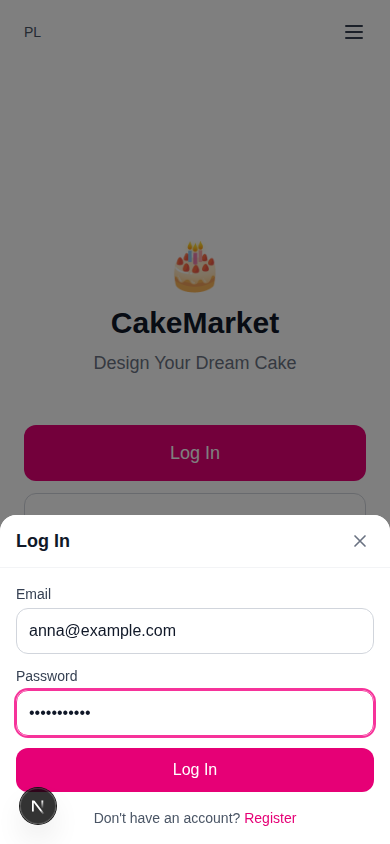 | 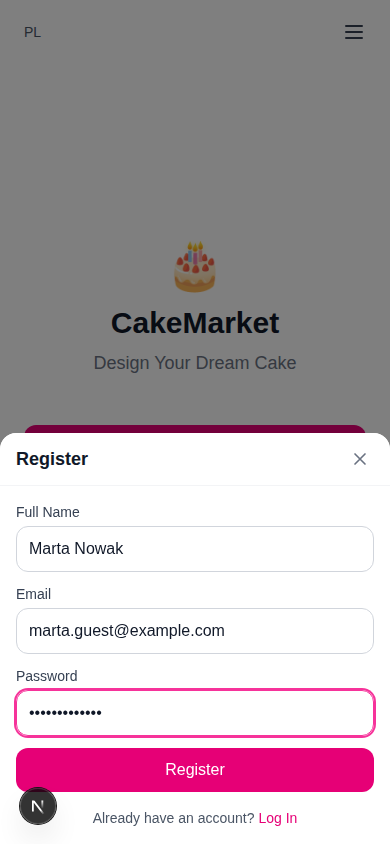 |
Once signed in, the home page offers a single call to action — Design Your Dream Cake — which opens the cake wizard:

Guest Ordering
You don't need an account to place an order. As a guest:
- You can create cake requests, receive offers, and pay for orders
- Your wizard progress is saved, so you can pick up where you left off
- You'll get a tracking link to follow your order without logging in
- You can convert to a full account later — your requests, orders, and preferences are migrated automatically
Limitation: Guests cannot send messages to sellers until they log in.
Navigation
The buyer interface is accessed through a hamburger menu (top-right) with links to:
| Section | Requires Account |
|---|---|
| Profile | Yes |
| My Orders | Yes |
| About | No |
| Logout | Yes |
A language toggle (Polish/English) is available on all pages.
The Ordering Journey
Here's the full flow from start to finish:
1. Create Request  →  2. Waiting Room  →  3. Compare Offers  →  4. Place Order
       ↓                                                              ↓
   Cake Wizard                                                   Pay Deposit
   (8 steps)                                                         ↓
                                                              5. Track Order
                                                                     ↓
                                                              6. Pay Balance (when ready)
                                                                     ↓
                                                              7. Receive & Confirm
                                                                     ↓
                                                              8. Leave Review
Next Steps
- Creating a Cake Request → — Step-by-step wizard walkthrough
- Waiting Room & Offers → — Reviewing and accepting offers
- Managing Orders → — Tracking, payments, and reordering
- Profile & Reviews → — Account settings and leaving reviews